
“Your subscription is now active! Follow the instructions below to start using your licensed product.” ✅
by DIGITALHUBITSOLUTIONin RETARGET LEADS on March 31, 2018Choose Your Desired Option(s)
Please followup below all step to active licensed -MOBIEL APP
📲 Download App:
STEP1
📲 Download App:
https://play.google.com/store/apps/details?id=com.digitalhub.bulksend
STEP 2
Send the registered mobile number here for activation.
(This should be the same number you used in the app registration.) )
Find No Below Image.
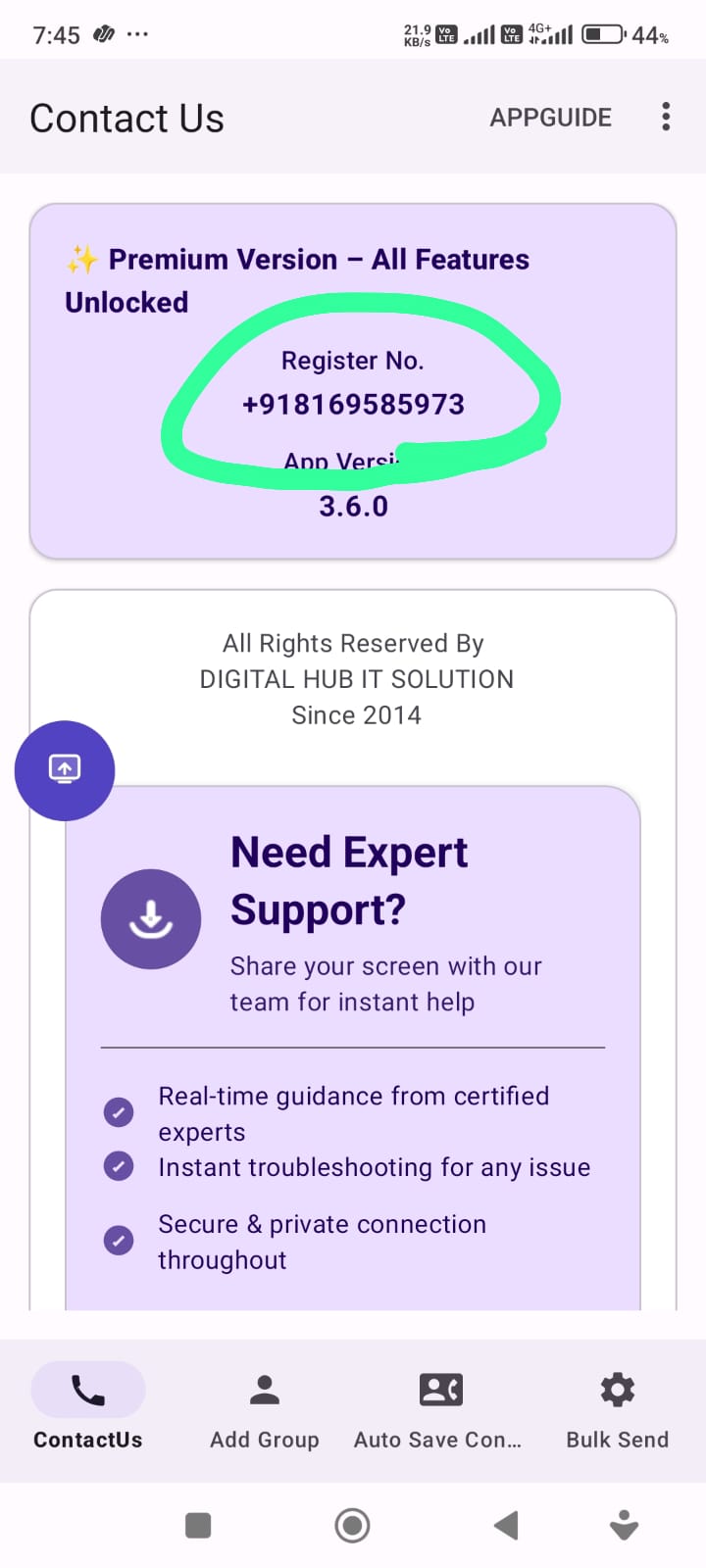
(Note:-) Provide No.& Wait for Actvaiton or Asked In Support Activation Done?
STEP 3-JUST FOLLOW STEP
Step 4: Create your account
- Visit the website: https://bulkshooters.in/
- Click on Sign In
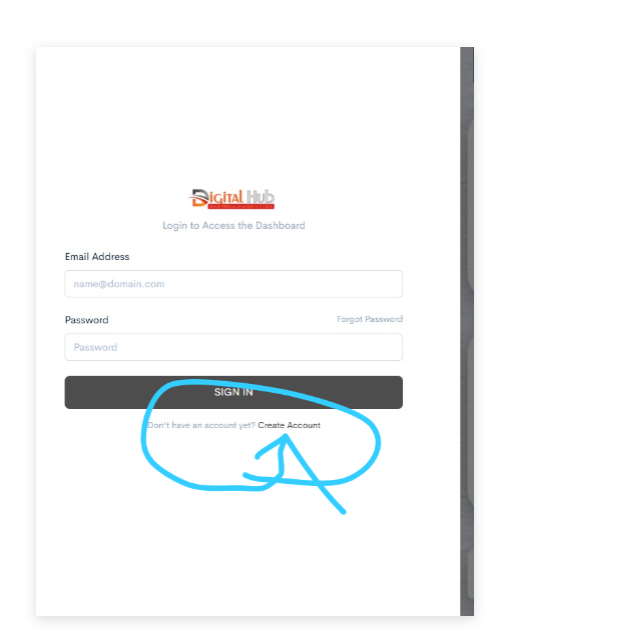
- Click on Create Account
- Create an account using any email and password
- Send your email ID for activation to
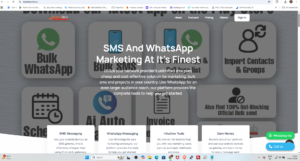
CLICK SIGN IN RIGHT SIDE OF CORNER
after sign in
find create account- enter your any email id and pass
send email id here for activation
CREATE ACCOUNT
STEP 4 HOW TO SCAN QR CODE↩️
👉 “You need to scan the number from which the messages will be sent.”
HOW TO SCAN-PATH
Path.: ↩️https://bulkshooters.in
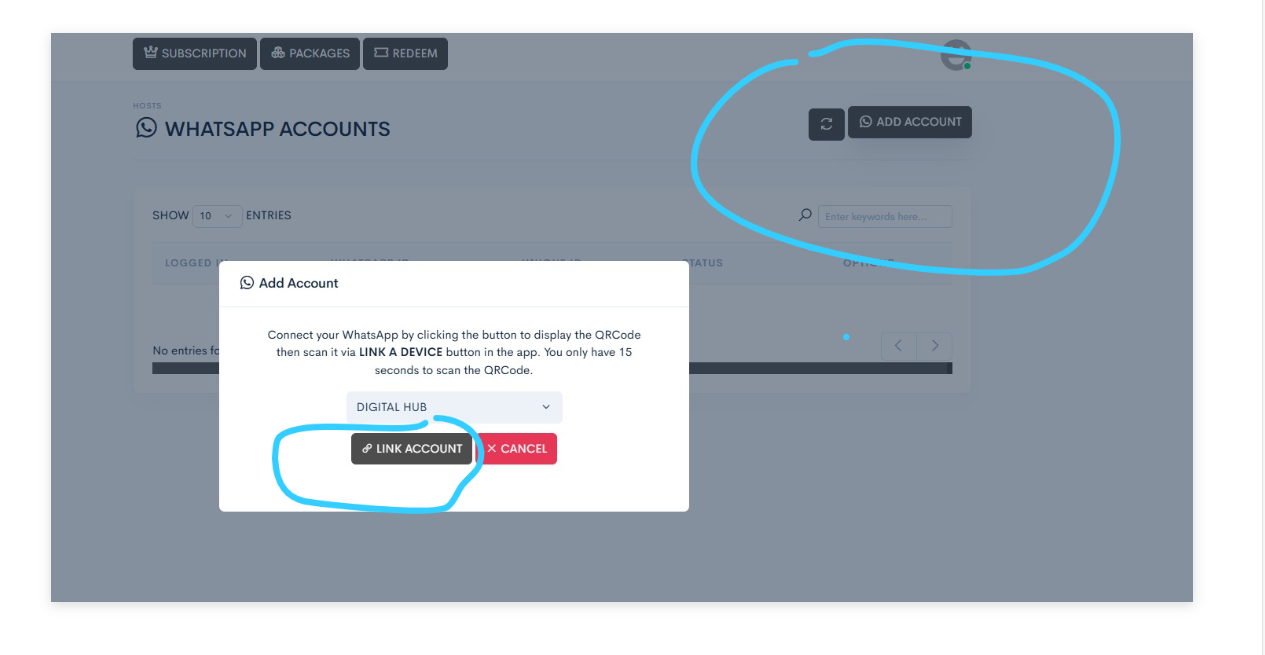
Click HOST → WhatsApp → Add Account → Link Account → Scan QR Code
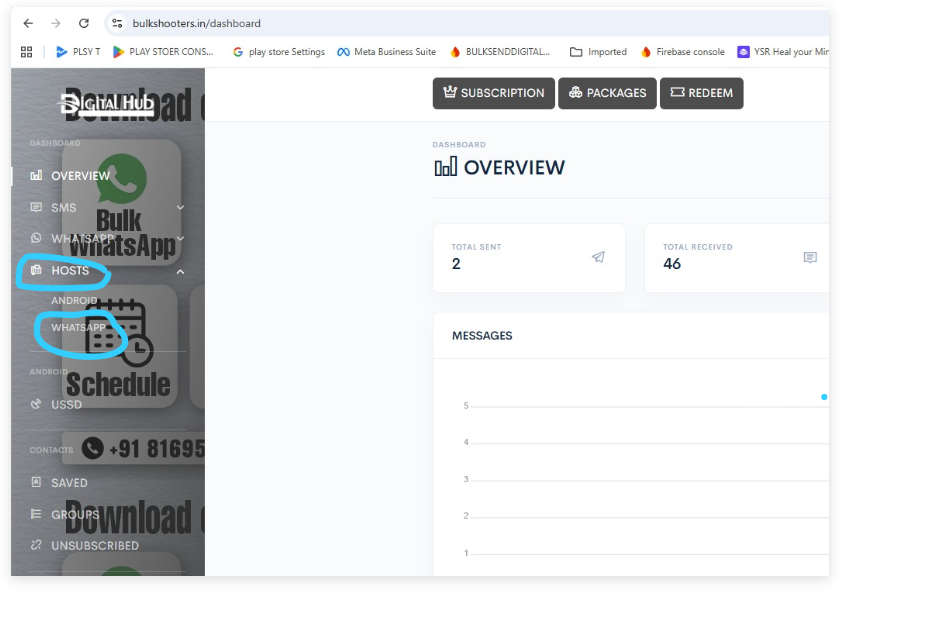
click add account-then click link devoie and scan qr code from you mobile whsatpp app-link devoice
Share Now!
Related Products



Popular & Trending
Featured Products